THREE.UpdatableTexture
An extended THREE.Texture to provide support for partial updates, via texSubImage2D.
Demo
- Texture updated tile by tile: a 512x512 texture updated with blocks of 32x32
2026 update
Disclaimer: this library is from 2017, and three.js has had partial texture updates built in since r91 (2018), so you might not need it anymore
// allocate an empty 512x512 texture

const texture = new THREE.DataTexture( null, 512, 512 );
texture.source.dataReady = false;
texture.needsUpdate = true;
renderer.initTexture( texture );

// copy an image into it, at 64,128 counted from the bottom left

renderer.copyTextureToTexture( new THREE.Texture( image ), texture, null, new THREE.Vector2( 64, 128 ) );
The library has been rewritten on top of that, so it’s a small wrapper now. What changed from the 2017 version:
- it’s an ES module, and it needs three.js r165 or later
setSize()andupdate()work right away, there’s no need to render the texture once before using them- typed arrays work as a source, with
update( data, x, y, width, height ) - resizing allocates the texture again, so its contents are lost
- a missing renderer, an invalid size or a tile that doesn’t fit throw an error
What it adds to the built-in way:
- a texture that starts empty with just a size
xandycounted from the top left corner, like in an image, whenflipYis on- the size of the source is read for you, also for videos
UpdatableTexture lets you update only a part of a texture: it’s useful for incremental loads of large images, for tiled resources, etc.
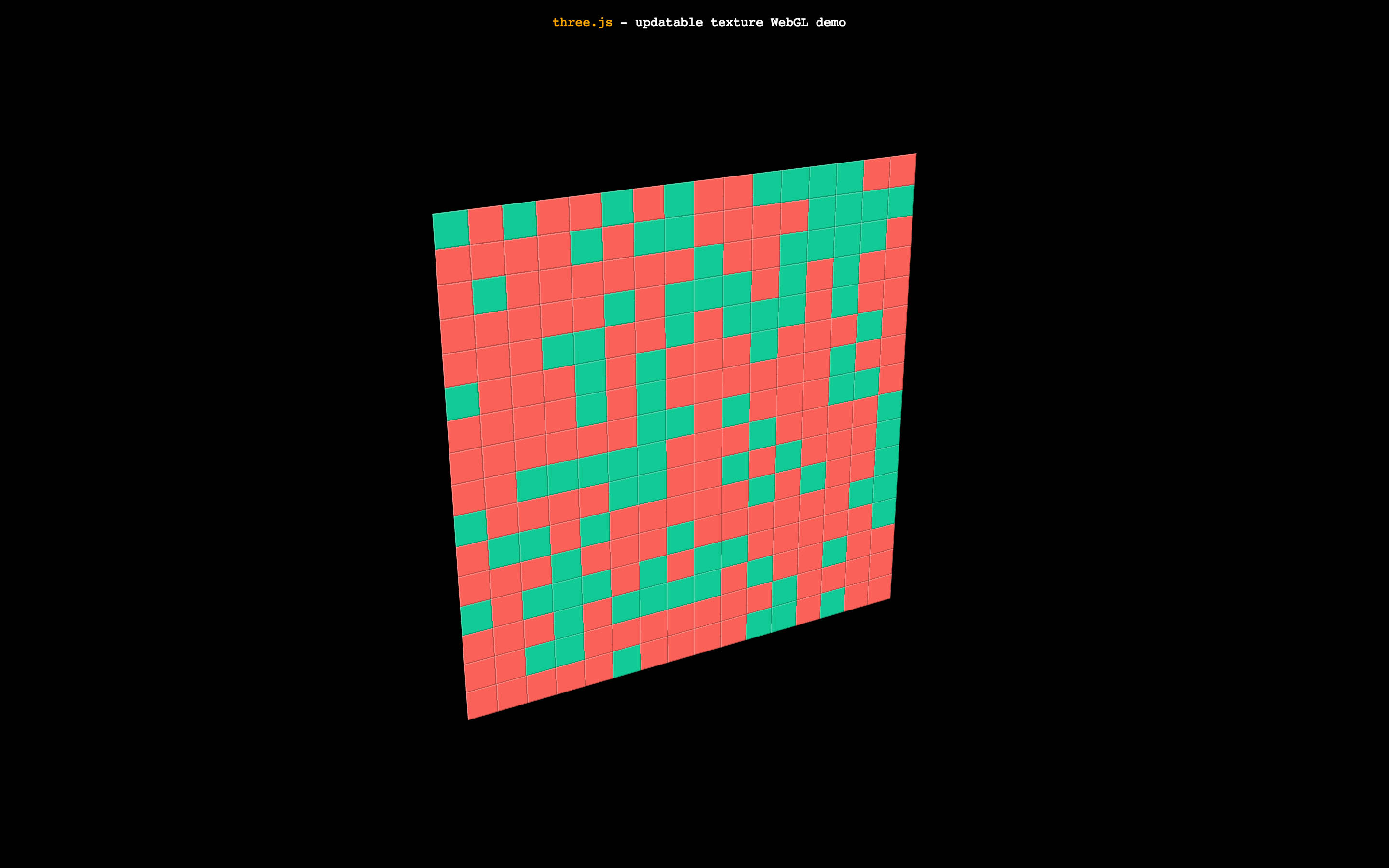
The demo uses a 512x512 texture updated with blocks of 32x32. The best texture size and tile size it’s a bit up to your target performance.
How to use
Import three.js and the module in your project:
import * as THREE from 'three';
import { UpdatableTexture } from './UpdatableTexture.js';
You can create UpdatableTexture like any other THREE.Texture:
// UpdatableTexture takes the same arguments as THREE.Texture, without the image
const texture = new UpdatableTexture();
You have to attach a renderer to it
texture.setRenderer( renderer );
You can modify the UpdatableTexture attributes the same way you do with THREE.Texture. Do it before setting the size
texture.minFilter = texture.magFilter = THREE.NearestFilter;
texture.generateMipmaps = false;
texture.colorSpace = THREE.SRGBColorSpace;
Since the UpdatableTexture will be updated from one or more pieces, first you need to set the size:
texture.setSize( width, height );
From then on, you can use to update a part of the texture:
texture.update( source, x, y );
source can be an ImageData, an HTMLImageElement, an HTMLCanvasElement, an HTMLVideoElement or an ImageBitmap. It can also be an ArrayBufferView, and then you have to pass its size too:
texture.update( data, x, y, width, height );
x and y are the offsets inside the big texture in which to draw the smaller texture. The width and height of the smaller texture is read from the resource. Make sure offset plus dimensions is not bigger than the large texture dimensions.
So how do I actually use it?
This will let you update parts of the texture, the rest is up to your ideas and needs. For instance, you can pre-tile your assets and load them via Fetch and createImageBitmap, and update the final texture in a scheduled fashion. Or you can download a large image, and then update parts. To copy only a part of an image without an intermediate canvas, use renderer.copyTextureToTexture() with a source region.
License
MIT licensed
Copyright (C) 2017 Jaume Sanchez Elias, https://www.clicktorelease.com