THREE.EquirectangularToCubemap
Convert an equirectangular panorama into a cubemap texture

Demo
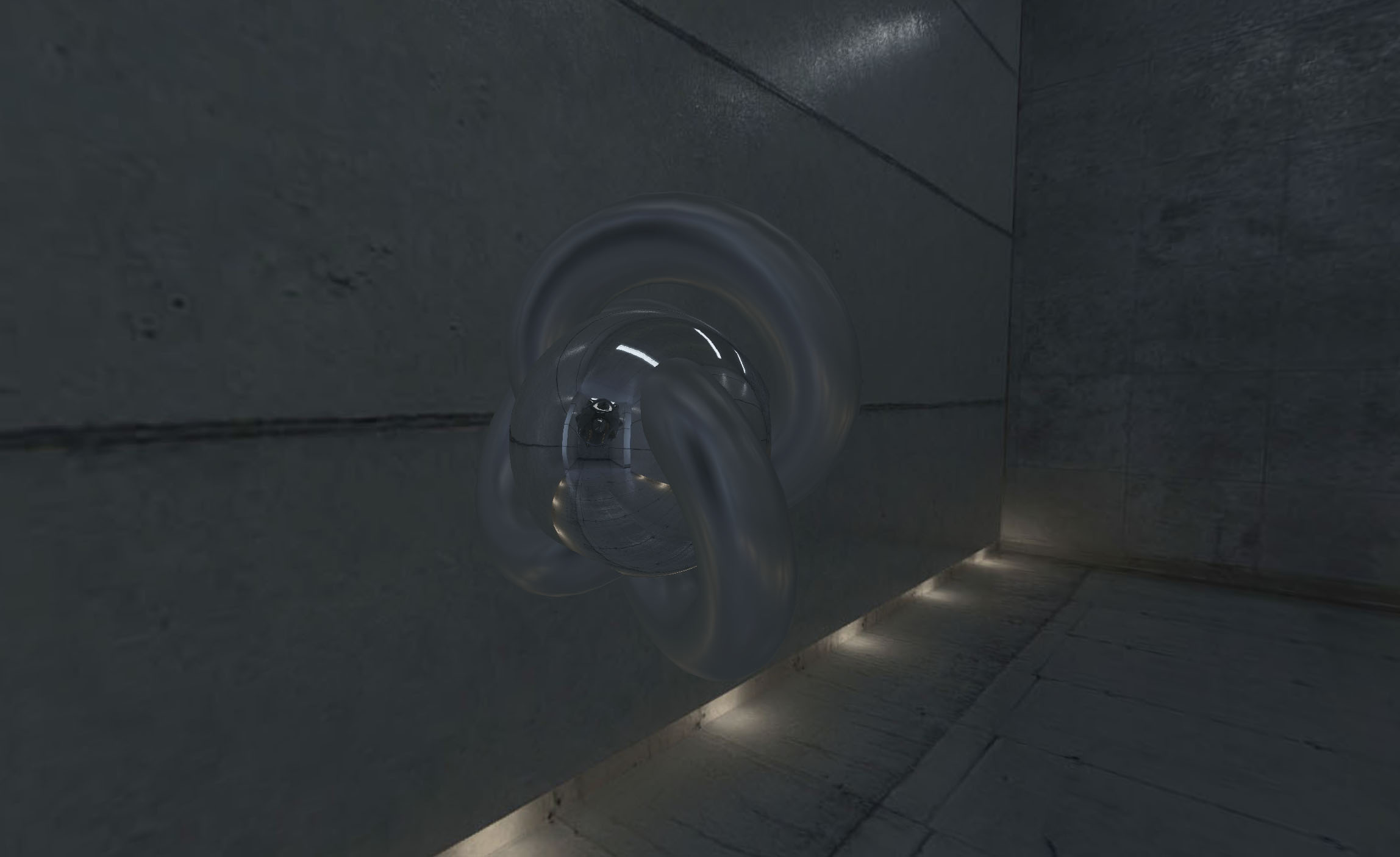
- Panorama converted to two cubemaps: a sharp one for the background and a sphere, a tiny one for the torus knot
2026 update
Disclaimer: this library is from 2016, and three.js has had this conversion built in since r106 (2019), so you might not need it anymore
texture.mapping = THREE.EquirectangularReflectionMapping;
scene.background = texture;
scene.environment = texture;

// or, to get the cube map itself

const cubemap = new THREE.WebGLCubeRenderTarget( 1024 ).fromEquirectangularTexture( renderer, texture ).texture;
The library has been rewritten for current three.js. What changed from the 2016 version:
- it’s an ES module, and it needs three.js r152 or later and WebGL 2
- the cube map is no longer mirrored
- cube maps can be disposed, and HDR panoramas keep their range
With faces as tall as the panorama, the output is identical to the one built into three.js. What this library does differently:
- cube maps smaller than the panorama are filtered with its mipmaps and the poles stay sharp. three.js gives you one or the other: it aliases if the panorama hasn’t been rendered yet, and blurs the poles if it has
- the type, color space, filters and mipmaps of the cube map can be overridden, three.js always copies them from the panorama
- the size is clamped to what the GPU supports, and a panorama that hasn’t loaded or an invalid size throws an error
How to use
Use npm to install it, alongside three.js
npm i three three.equirectangular-to-cubemap
and import it in your code
import * as THREE from 'three';
import { EquirectangularToCubemap } from 'three.equirectangular-to-cubemap';
It’s a plain ES module, so it also works without a bundler as long as an import map resolves three (see examples/index.html).
Define a new instance of EquirectangularToCubemap and call .convert()
// create your renderer, scene, etc.

const renderer = new THREE.WebGLRenderer();

// load the image you want to convert

const loader = new THREE.TextureLoader();
loader.load( 'equirectangular-panorama.jpg', function( res ) {

  res.colorSpace = THREE.SRGBColorSpace;

  // once it's loaded, create the helper and use it

  const equiToCube = new EquirectangularToCubemap( renderer );

  // convert the image, in this case it's been used as environment map

  const mesh = new THREE.Mesh(
    new THREE.TorusKnotGeometry( 10, 3, 100, 32 ),
    new THREE.MeshBasicMaterial( { envMap: equiToCube.convert( res, 1024 ) } )
  );
  scene.add( mesh );

} );
So .convert( source, size, options ) accepts a loaded texture as source and a number as size (width and height of each face of the cube map), and returns a cube texture. It throws if the texture has no image yet or if the size is not a positive number.
EquirectangularToCubemap automatically checks for the maximum possible size for cube maps, and clamps the size provided (there seems to be a bug with Android, at least in Nexus 5 Android 6)
The cube map takes its type, color space, filters and mipmap setting from the source texture, so an HDR panorama gives an HDR cube map. options is optional, it’s passed to THREE.WebGLCubeRenderTarget and overrides any of those
const cubemap = equiToCube.convert( res, 1024, { type: THREE.HalfFloatType, generateMipmaps: false } );
Every cube map holds GPU memory until it’s disposed. Dispose the helper too once there’s nothing left to convert
cubemap.dispose();
equiToCube.dispose();
Requirements
three.js r152 or later, and WebGL 2. For three.js r116 and earlier use version 1.x of this library.
License
MIT licensed
Copyright (C) 2016 Jaume Sanchez Elias, https://www.clicktorelease.com