THREE.CubemapToEquirectangular
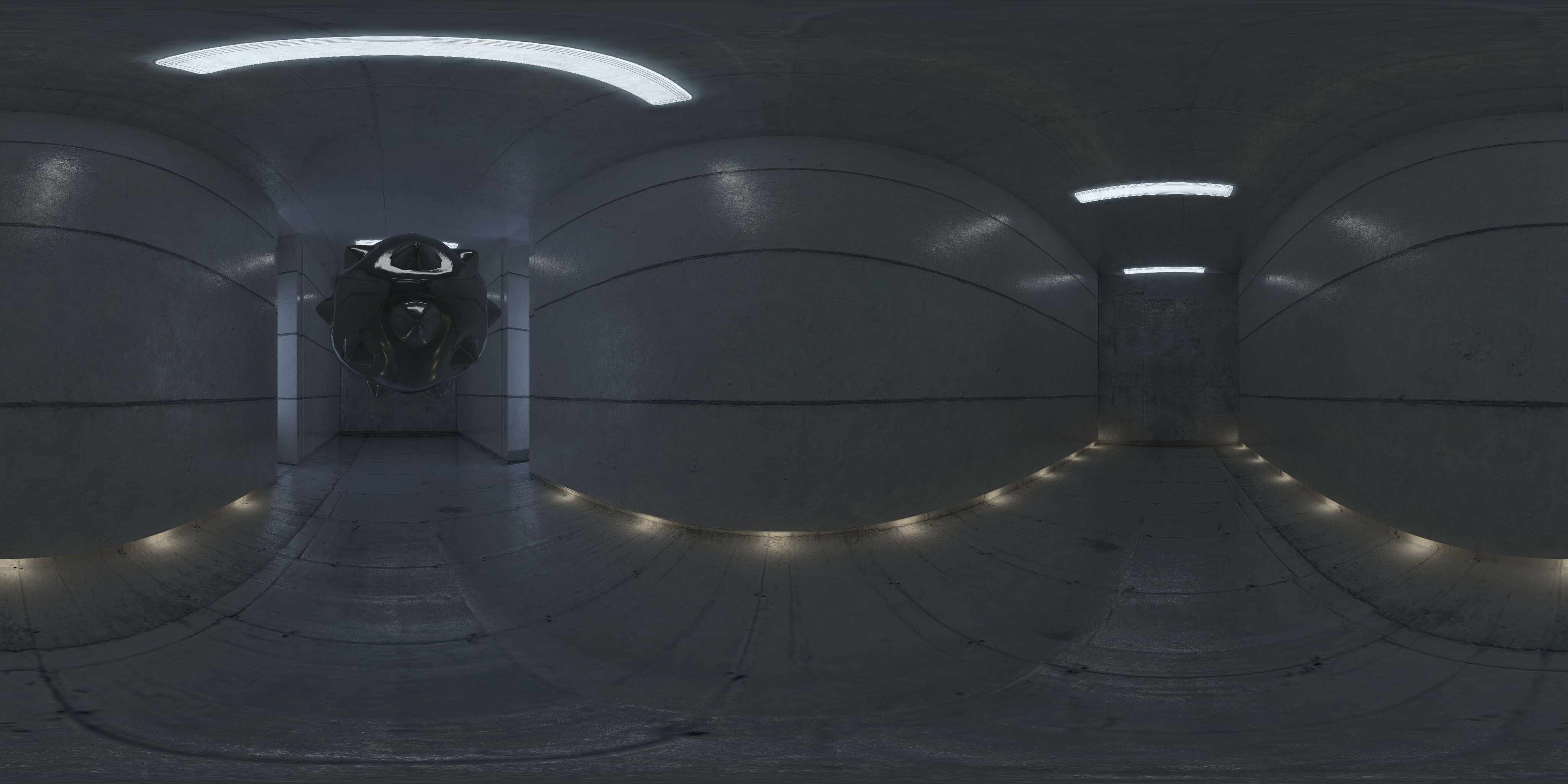
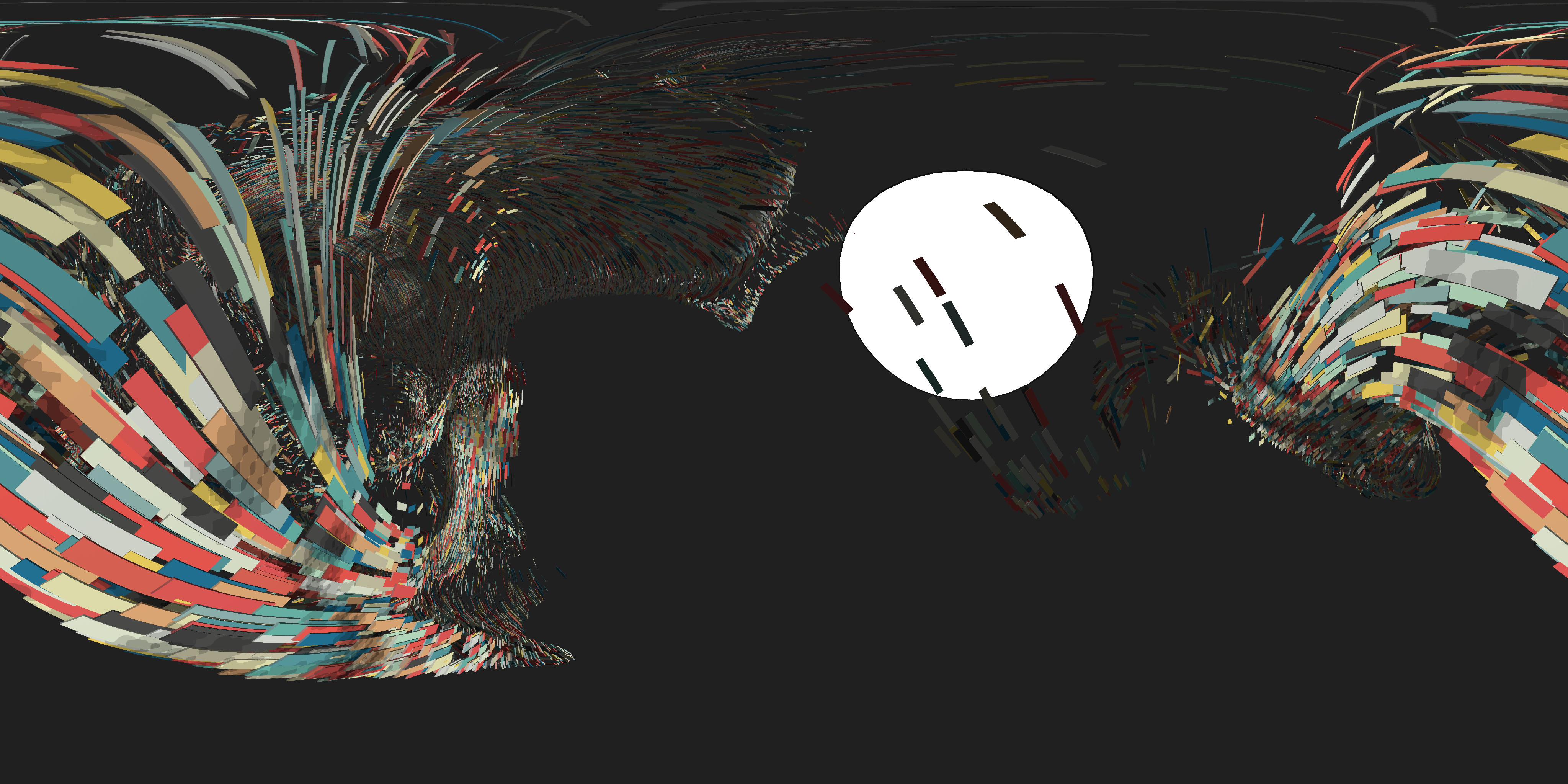
Helper to extract an equirectangular panorama PNG from any three.js scene.

Demos
- Managed mode: press Capture to download a panorama of the scene
- Unmanaged mode: the same, with a cube camera created by the page
2026 update
Disclaimer: this library is from 2016. It has been rewritten for current three.js, so code written for version 1.x needs changes
three.js still doesn’t have this built in (checked on r186). What changed from the 2016 version:
- it’s an ES module, and it needs three.js r155 or later and WebGL 2
- the colors of the panorama match the canvas. three.js now renders linear colors into render targets, so the output color space and the tone mapping of the renderer are applied to the panorama. With tone mapping the background is tone mapped too, like in three.js post-processing
- the panorama follows the equirectangular convention of three.js, with +X at the center of the image, so it lines up with the scene when it’s loaded back as an equirectangular texture. Version 1.x was rotated 180° around the vertical axis
- managed mode follows the world position, near, far and layers of the camera
- the cube map is filtered with mipmaps, so the panorama is smoother
update()returns the panorama and can skip the download, and there’s adispose()
How to use
Use npm to install it, alongside three.js
npm i three three.cubemap-to-equirectangular
and import it in your code
import * as THREE from 'three';
import { CubemapToEquirectangular } from 'three.cubemap-to-equirectangular';
It’s a plain ES module, so it also works without a bundler as long as an import map resolves three and three/addons/ (see examples/index-managed.html).
Define a new instance of CubemapToEquirectangular.
// create renderer, scene, camera, etc.
const renderer = new THREE.WebGLRenderer();
const scene = new THREE.Scene();
const camera = new THREE.PerspectiveCamera( /* ... */ );

// Create a managed CubemapToEquirectangular
const equiManaged = new CubemapToEquirectangular( renderer, true );

// or create an unmanaged CubemapToEquirectangular
const equiUnmanaged = new CubemapToEquirectangular( renderer, false );
Managed CubemapToEquirectangular
With Managed mode, the THREE.CubeCamera creation, update, render, etc. is all taken care of. You only have to call:
equiManaged.update( camera, scene );
at any point in your code that you want to extract a panorama. The cube map created will be 2048x2048 and the exported panorama will be 4096x2048. Note: The cubemap can easily be 4096x4096, but that seems to work on most mobiles, too
update() returns the panorama as an ImageData. To get it without downloading the PNG, call:
const imageData = equiManaged.update( camera, scene, false );
Demo of Managed mode: Demo
Unmanaged CubemapToEquirectangular
If you want to use a different CubeMap camera, or do something custom with the render, you will have to set the Unmanaged mode.
You will have to create and manage your THREE.CubeCamera:
const cubeCamera = new THREE.CubeCamera( .1, 1000, new THREE.WebGLCubeRenderTarget( 4096, {
  type: THREE.HalfFloatType,
  generateMipmaps: true,
  minFilter: THREE.LinearMipmapLinearFilter
} ) );
The half float type keeps the linear colors of the render intact, and the mipmaps let the panorama be filtered.
Then manage all your scene update and rendering. When you want to export a panorama, call:
// this is where the developer updates the scene and creates a cubemap of the scene
cubeCamera.position.copy( camera.position );
cubeCamera.update( renderer, scene );

// call this to convert the cubemap rendertarget to a panorama
equiUnmanaged.convert( cubeCamera );
Demo of Unmanaged mode: Demo
Changing output size
To export a different size, call setSize( width, height ):
equi.setSize( 2048, 1024 );
Cleaning up
To release the render targets when you’re done, call dispose():
equi.dispose();
Requirements
three.js r155 or later, and WebGL 2. For three.js r116 and earlier use version 1.x of this library.
TODO
Fix for Android (if it’s a relevant use case)(seems to work with 2048x2048)- Check for mobile (if it’s a relevant use case)
- Add importance sampling (improves quality of output)
- Handle postprocessing
- Handle Safari not supporting download attribute
- Let users have more control over file name, callbacks, progress
License
MIT licensed
Copyright (C) 2016 Jaume Sanchez Elias, https://www.clicktorelease.com